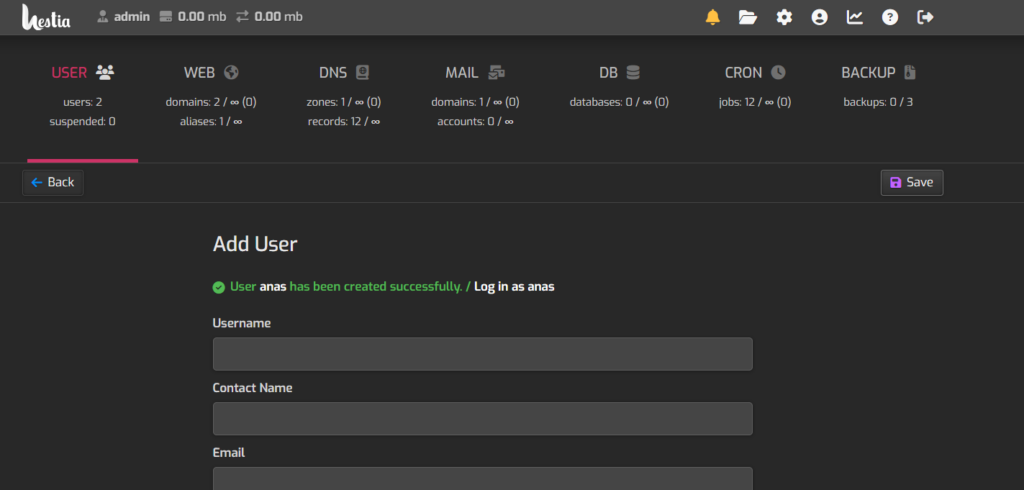
Creating a user account in HestiaCP is simple. Follow these steps:
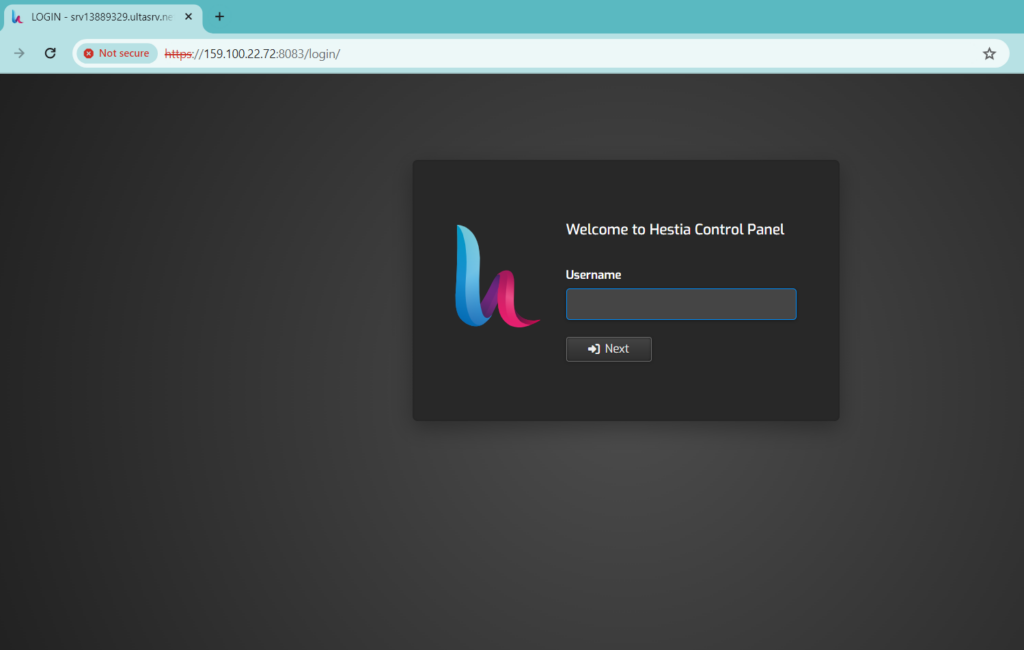
Log in to HestiaCP: Access your HestiaCP control panel by entering your VPS IP address and the default Hestia port (8083) in your web browser, like this: https://159.100.22.72:8083/
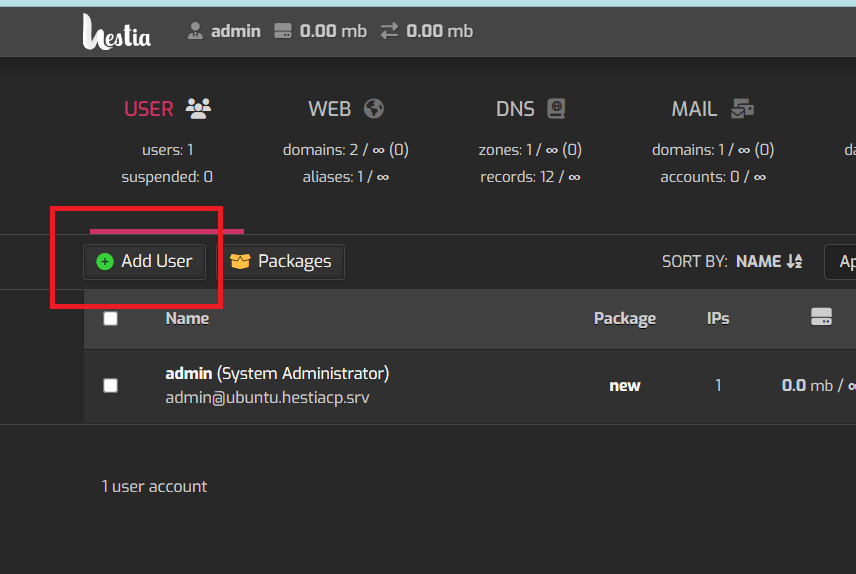
Add New User: After logging in, click on ‘Add User’.
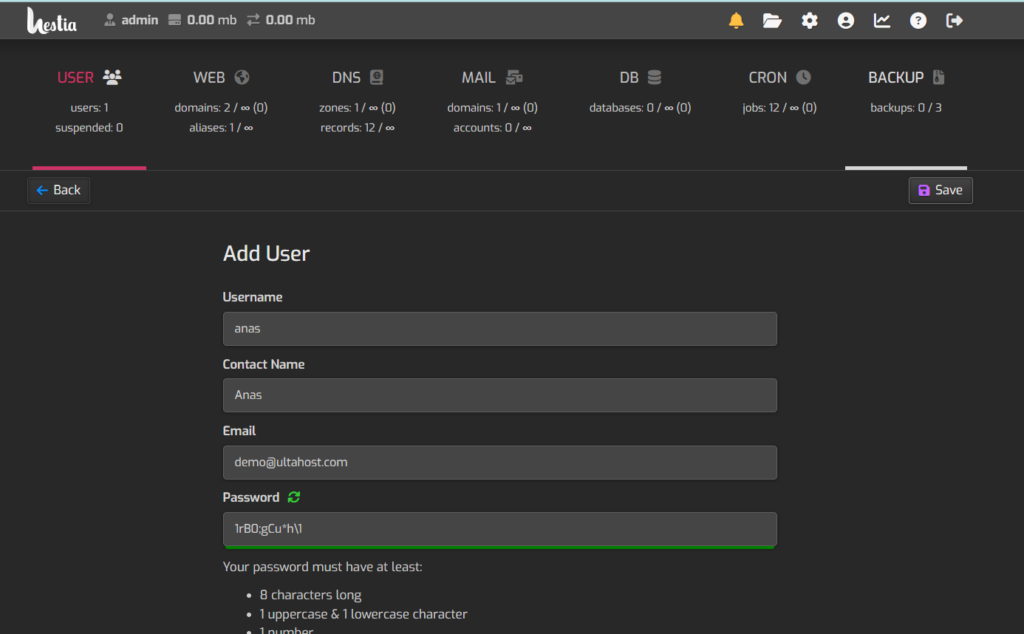
Enter User Details: You’ll be asked to provide details for the new user account, such as username, password, and email address. Fill in the required information.
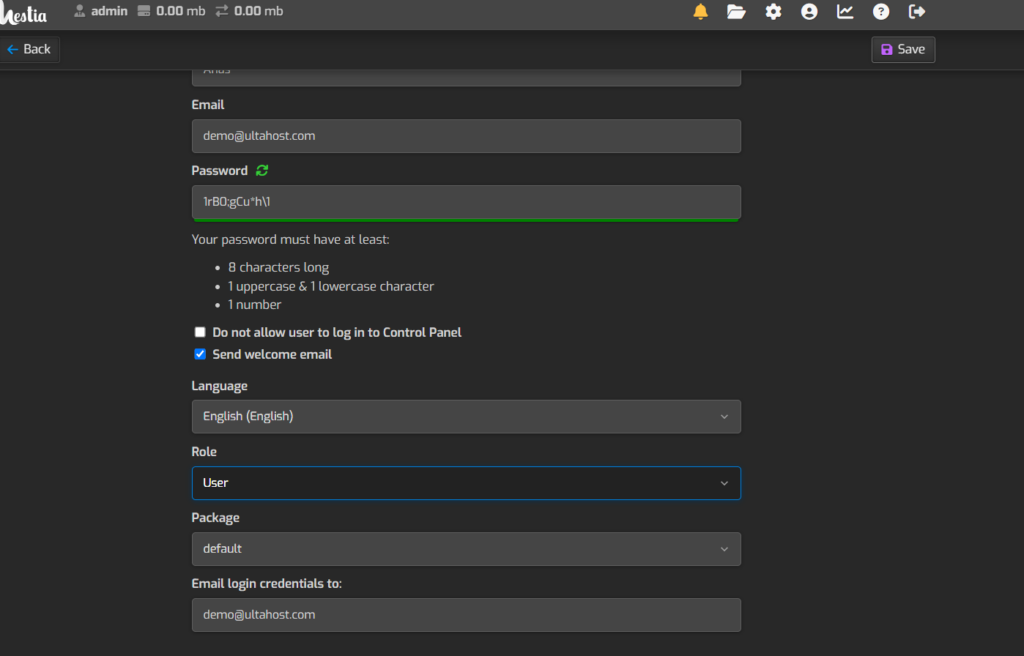
Assign Permissions: Depending on your setup, you can assign specific permissions or roles to the new user account. Adjust these settings as necessary.
Save Changes: Once you’ve filled in all the information and configured the settings, click ‘Save’ to create the user account.
Verify User Account: After creating the account, verify that it works by logging in with the new credentials.
That’s it! You’ve successfully created a user account in